原文链接:「链接」
Hellolinux系统官网,大家好呀~在使用银河麒麟桌面操作系统的过程中,很多朋友都会注意到一个细节:系统启动时的 GRUB 菜单背景是固定的,时间一长难免有些审美疲劳。更重要的是grub2命令行启动linux,在一些展示终端、政企办公环境、统一形象建设场景下grub2命令行启动linux,往往希望在开机阶段就体现出定制化、专业化的系统形象。那么问题来了:
麒麟系统的 GRUB 启动背景能不能换?
会不会影响系统启动和安全?
答案是:可以,且方式非常直接、安全。
下面就以银河麒麟桌面操作系统 V10 SP1(UKUI)为例,完整演示一次 GRUB 启动背景图的替换过程。
1.查看系统信息
pdsyw@pdsyw-pc:~/桌面$ cat /etc/os-release
NAME="Kylin"
VERSION="银河麒麟桌面操作系统V10 SP1"
VERSION_US="Kylin Linux Desktop V10 SP1"
ID=kylin
ID_LIKE=debian
PRETTY_NAME="Kylin V10 SP1"
VERSION_ID="v10"
HOME_URL="http://www.kylinos.cn/"
SUPPORT_URL="http://www.kylinos.cn/support/technology.html"
BUG_REPORT_URL="http://www.kylinos.cn/"
PRIVACY_POLICY_URL="http://www.kylinos.cn"
VERSION_CODENAME=kylin
UBUNTU_CODENAME=kylin
PROJECT_CODENAME=V10SP1
KYLIN_RELEASE_ID="2503"
pdsyw@pdsyw-pc:~/桌面$ uname -a
Linux pdsyw-pc 5.4.18-142-generic #131-KYLINOS SMP Thu Mar 27 03:10:31 UTC 2025 x86_64 x86_64 x86_64 GNU/Linux
2.查看当前GRUB背景
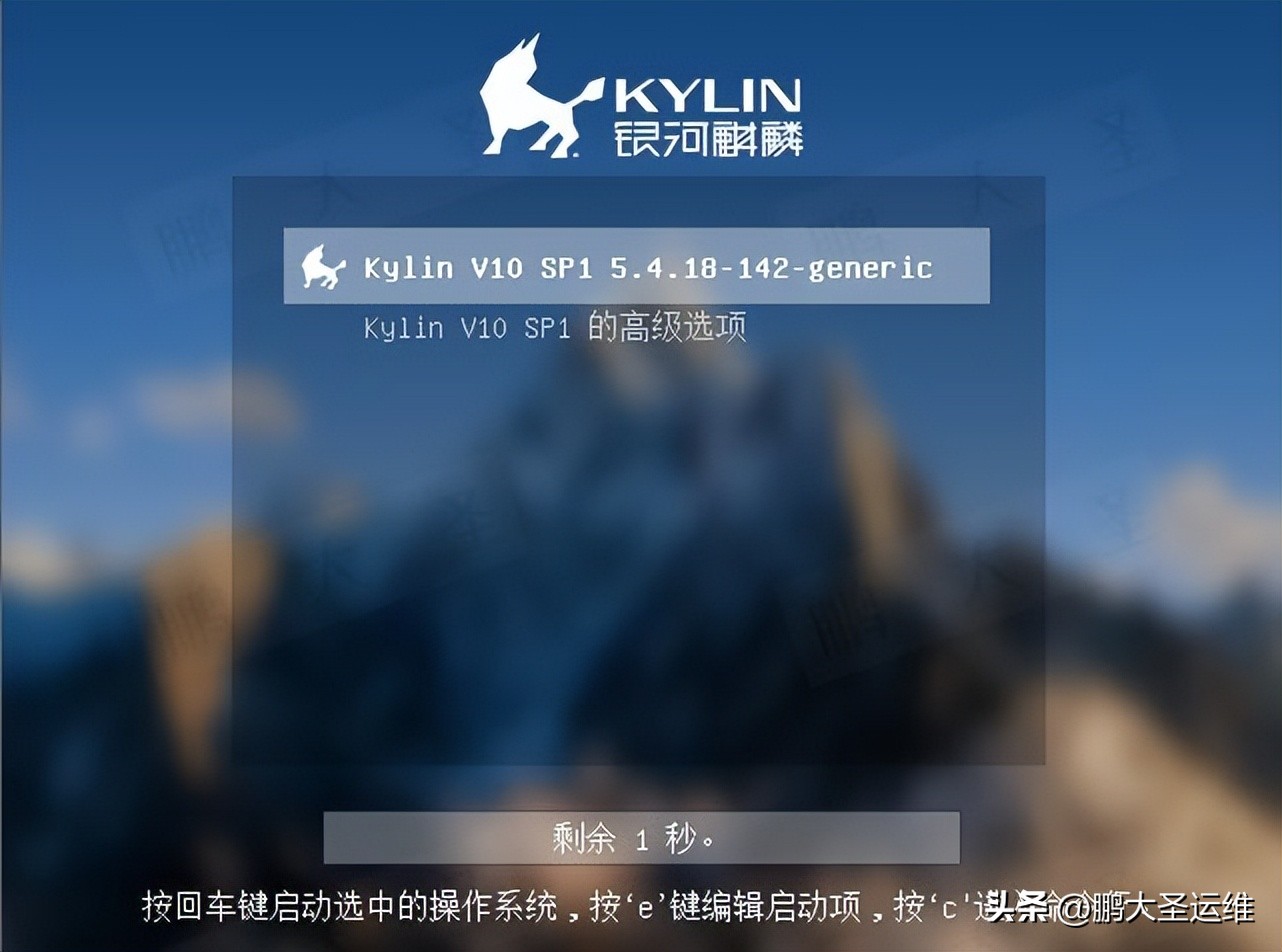
3.准备需要替换的背景图
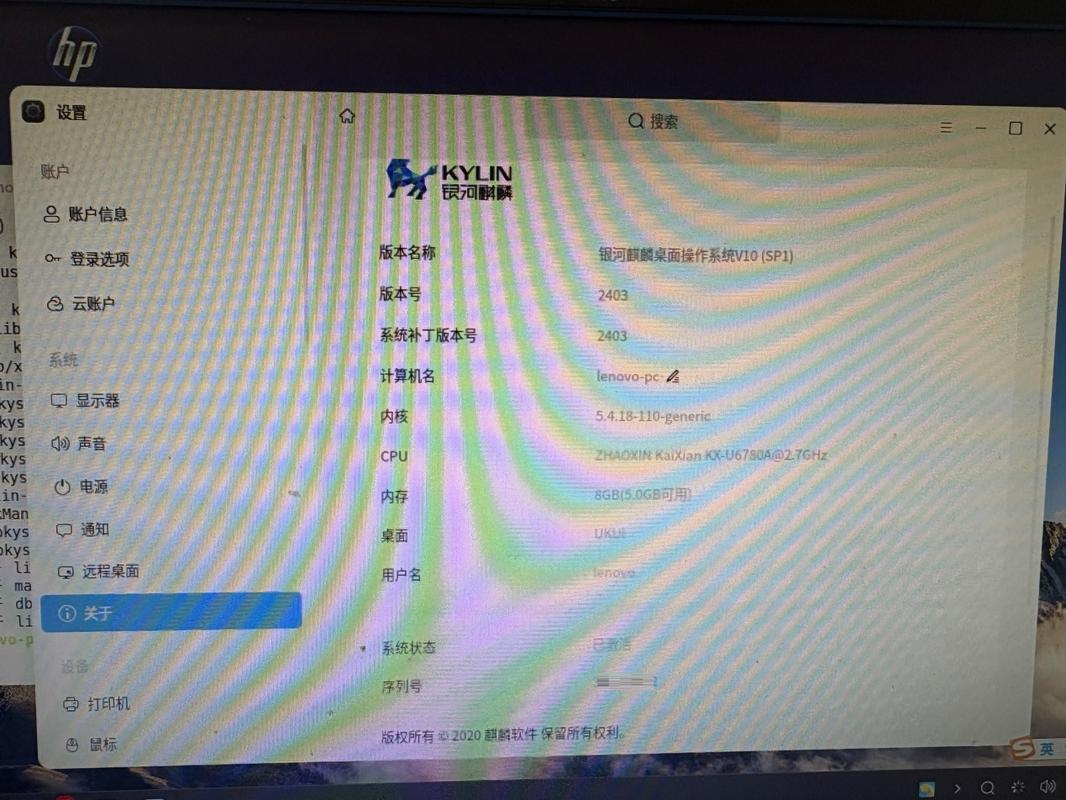
示例中使用的是系统自带的图片,您可以根据需要替换为自己的图片。
pdsyw@pdsyw-pc:~/桌面$ sudo -i
输入密码
root@pdsyw-pc:~# cd /usr/share/backgrounds/
root@pdsyw-pc:/usr/share/backgrounds# ls
1-warty-final-ubuntukylin.jpg  island.jpg
aircrafttower.jpg        mars.jpg
beach.jpg            plains.jpg
bee.jpg             shanghai.jpg
borders.jpg           succulents.jpg
city.jpg            sunflower.jpg
edu               sunumbrella.jpg
flamingos.jpg          traditional.png
grassland.jpg          triangleplum.jpg
horse.jpg            ubuntukylin
house.jpg            ubuntukylin-default-settings.jpg
hummingbird.jpg         v10
irregular.jpg
root@pdsyw-pc:/usr/share/backgrounds# cp bee.jpg /home/pdsyw/桌面/
root@pdsyw-pc:/usr/share/backgrounds# ls /home/pdsyw/桌面/bee.jpg
/home/pdsyw/桌面/bee.jpg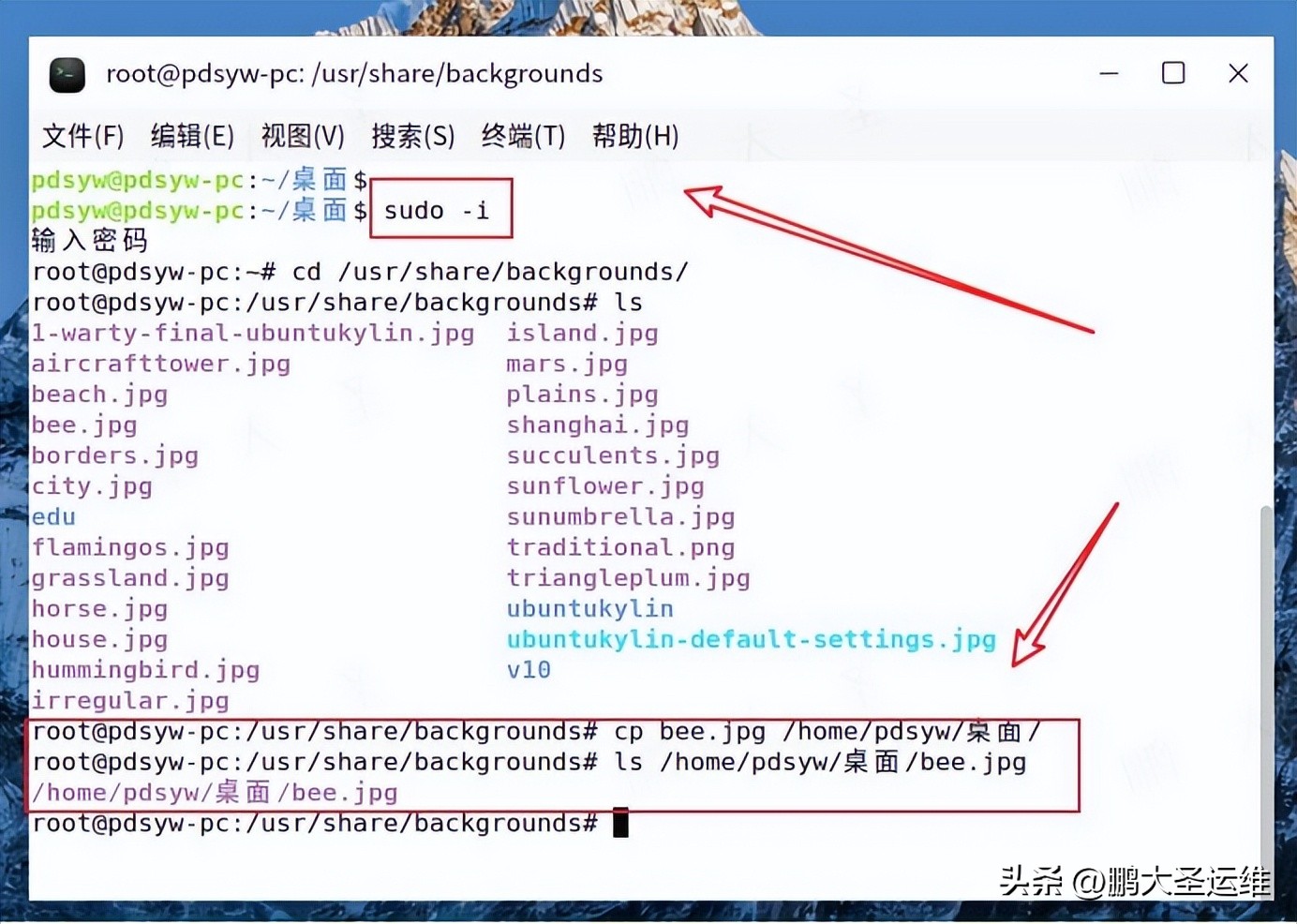
4.修改图片的格式
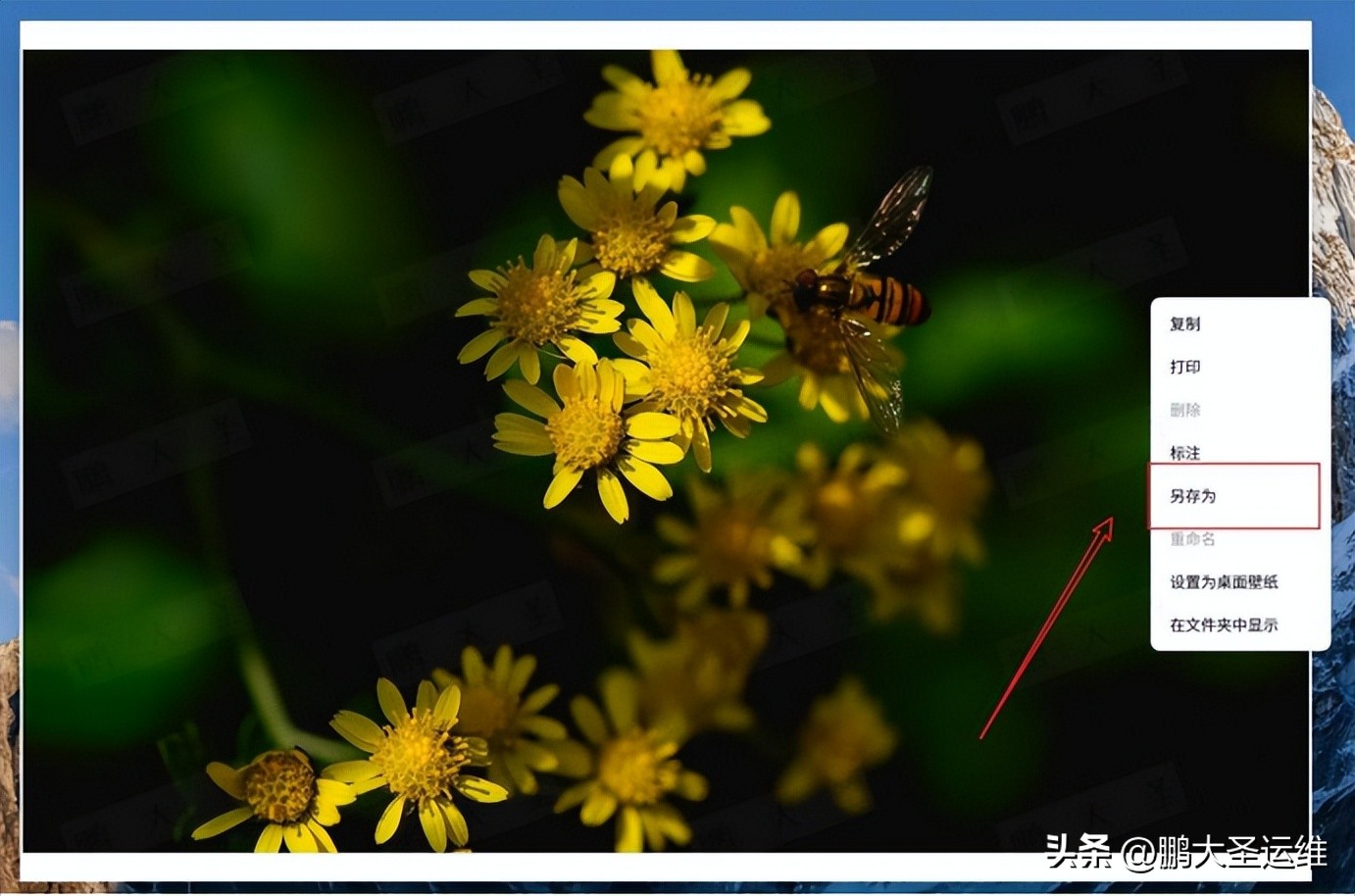
5.另存为图片为png格式
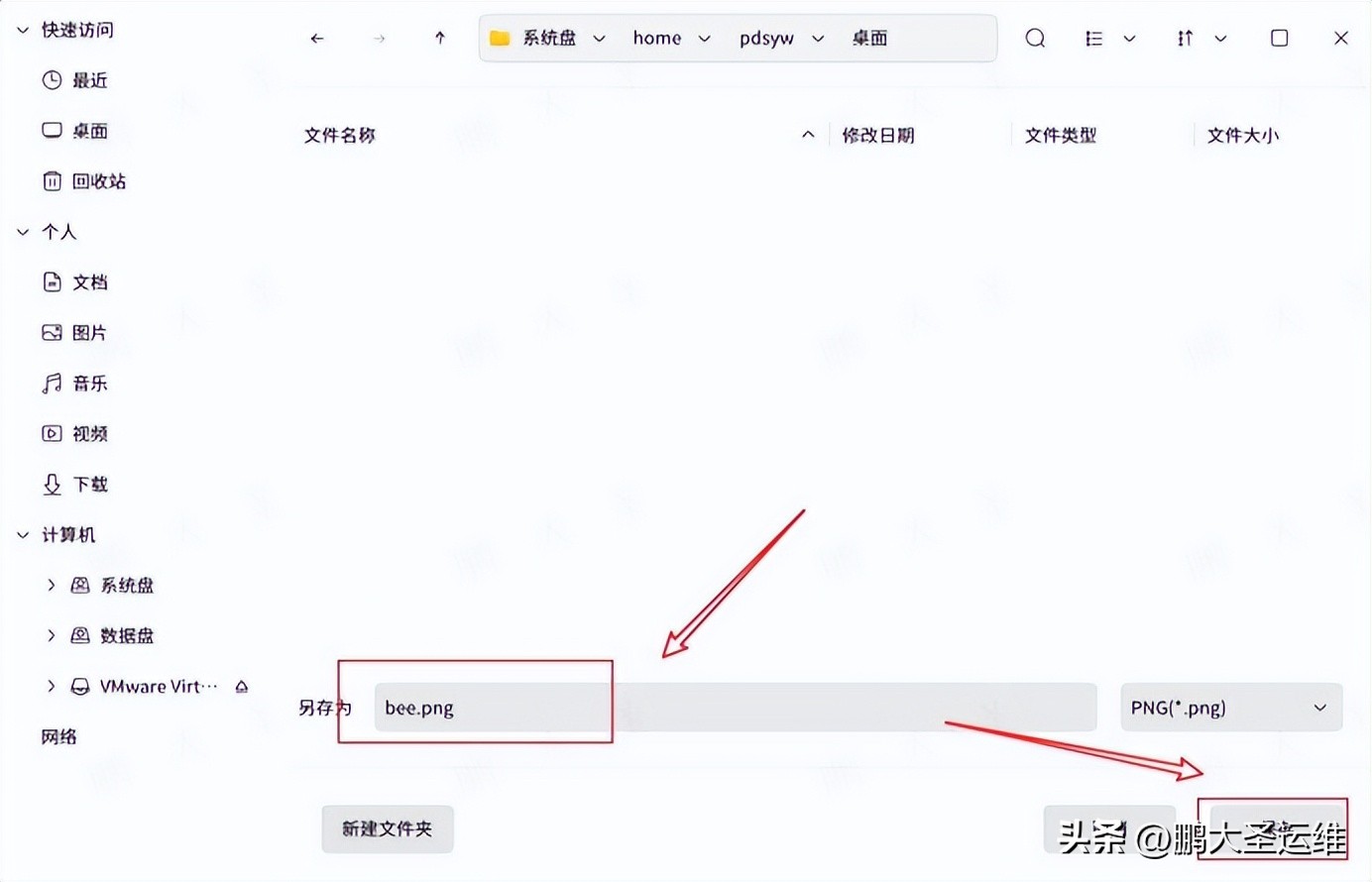
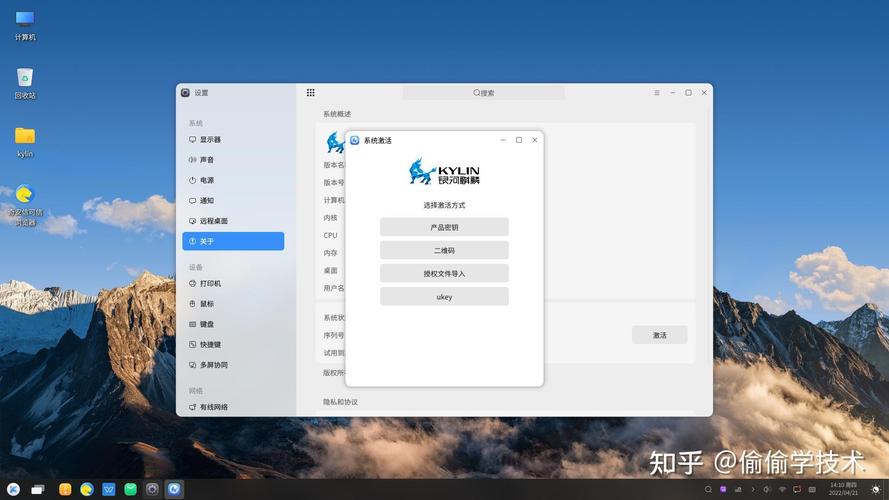
6.查看GRUB的背景信息
在银河麒麟 V10 SP1 中,GRUB 使用的是 UKUI 定制主题,核心信息在以下文件中。
root@pdsyw-pc:~# cd /etc/grub.d/
root@pdsyw-pc:/etc/grub.d# grep GRUB_THEME 06_ubuntukylin_theme
  GRUB_THEME=/usr/share/grub/themes/UKUI/theme_en.txt
  GRUB_THEME=/usr/share/grub/themes/UKUI/theme.txt
 GRUB_THEME=''
  if [ "x$GRUB_THEME" != x ] && [ -f "$GRUB_THEME" ]
•    && is_path_readable_by_grub "$GRUB_THEME"; then
•    gettext_printf "Found theme: %sn" "$GRUB_THEME" >&2
•    prepare_grub_to_access_device `${grub_probe} --target=device "$GRUB_THEME"`
•    themedir="`dirname "$GRUB_THEME"`"
set theme=($root)`make_system_path_relative_to_its_root $GRUB_THEME`
root@pdsyw-pc:/etc/grub.d#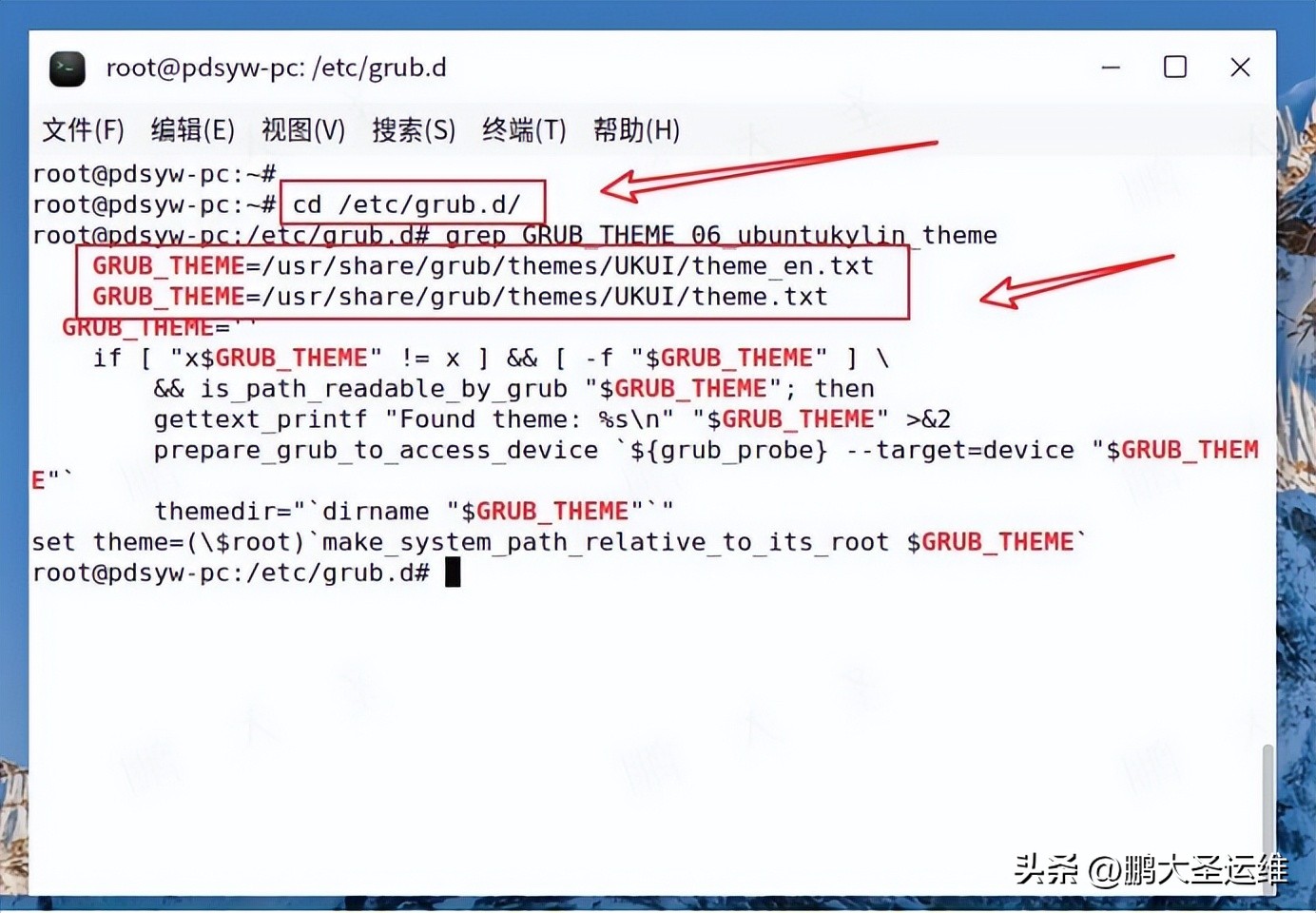
7.查看主题背景图片名称
GRUB 启动界面显示的背景,其实就是这个目录下的 background.png 文件。
root@pdsyw-pc:/etc/grub.d# cat /usr/share/grub/themes/UKUI/theme.txt
# GRUB2 gfxmenu Linux Vimix theme
# Designed for any resolution

# Global Property
title-text: ""
desktop-image: "background.png"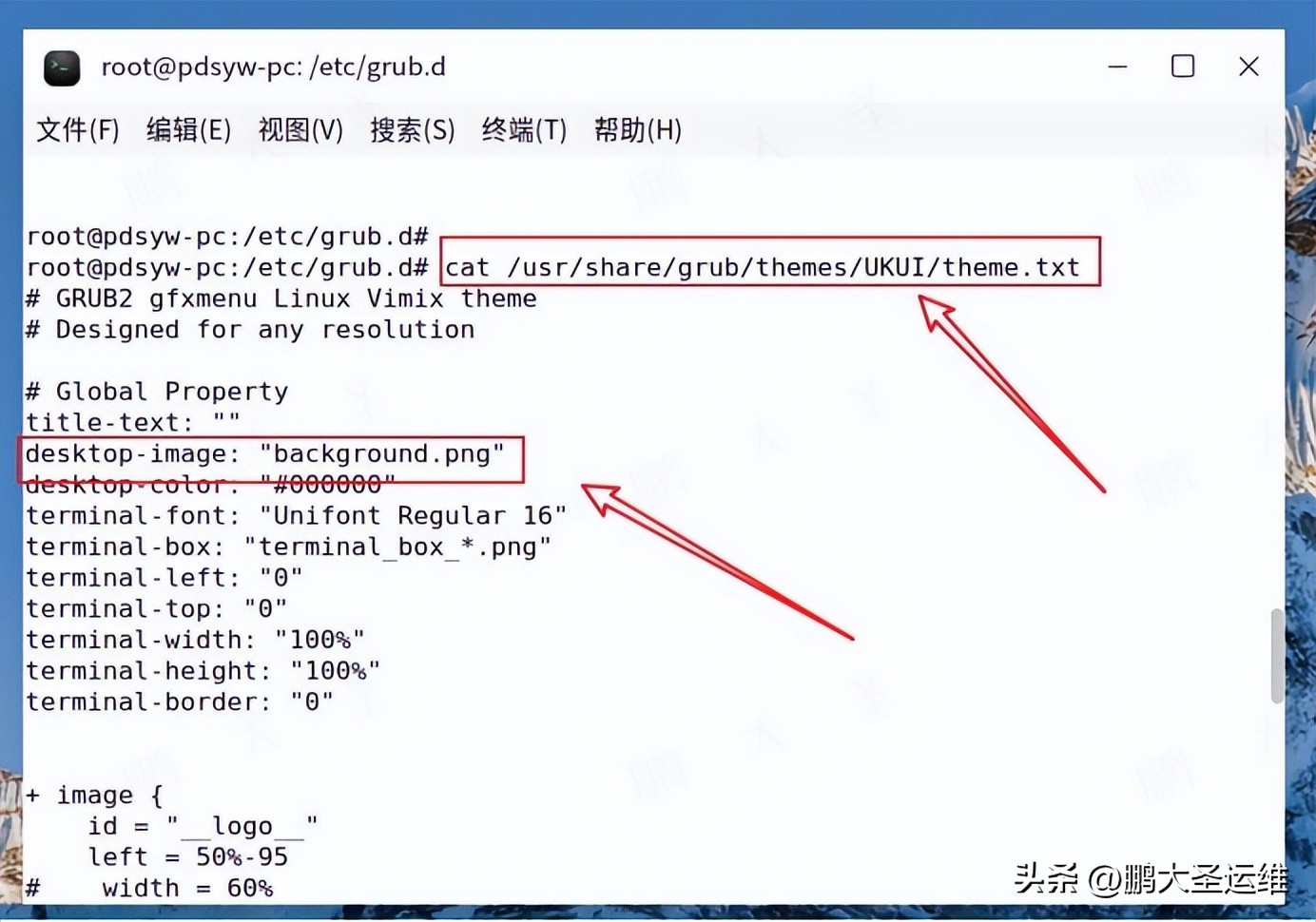
8.查看背景图片
root@pdsyw-pc:/etc/grub.d# ls -ltr /usr/share/grub/themes/UKUI/background.png
-rw-r--r-- 1 root root 2174710 3月  18  2025 /usr/share/grub/themes/UKUI/background.png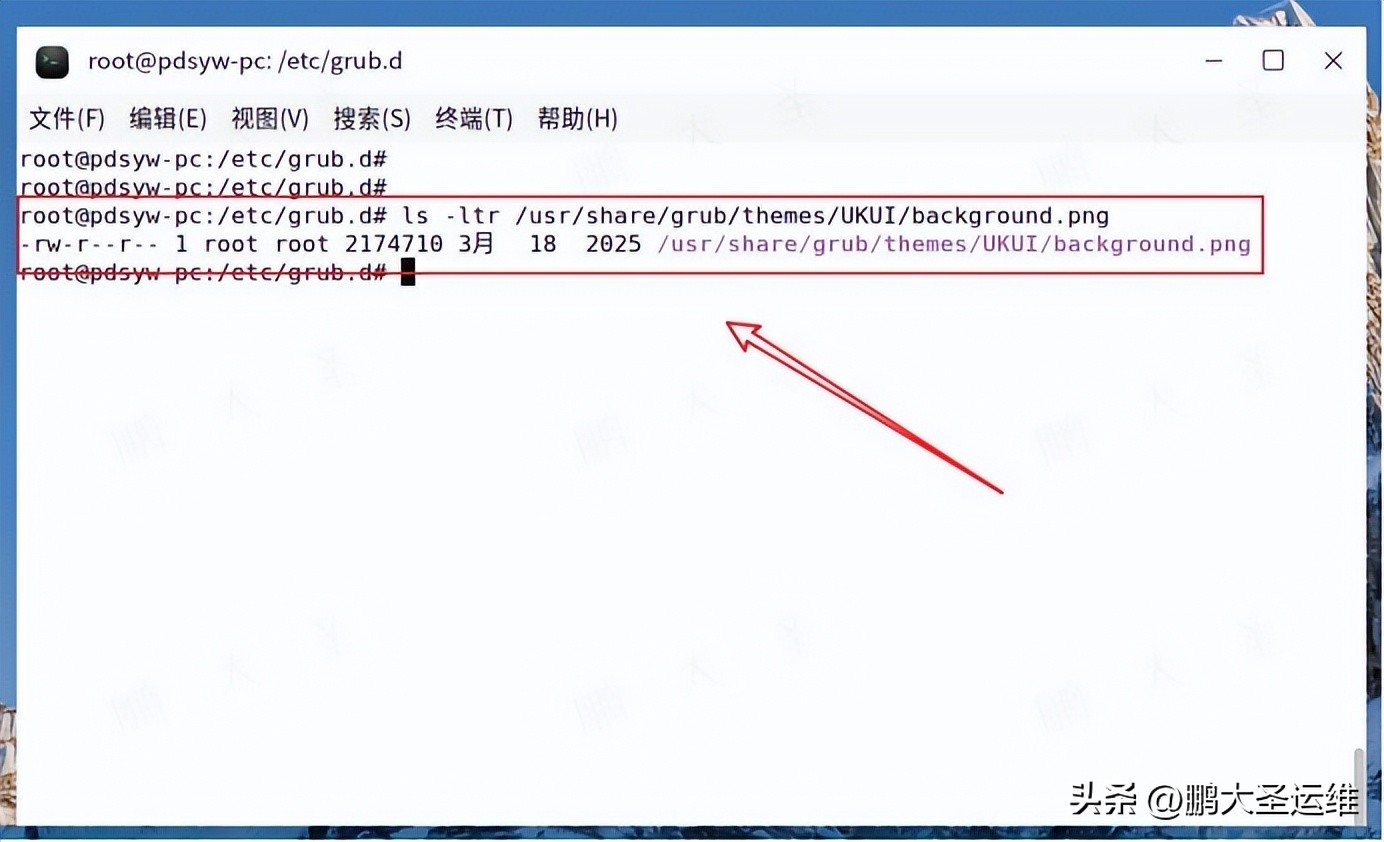
9.替换背景图片
备份原始背景图,替换为新的背景图。
root@pdsyw-pc:/etc/grub.d# cp /usr/share/grub/themes/UKUI/background.png{,.bak}
root@pdsyw-pc:/etc/grub.d# cp /home/pdsyw/桌面/bee.png /usr/share/grub/themes/UKUI/background.png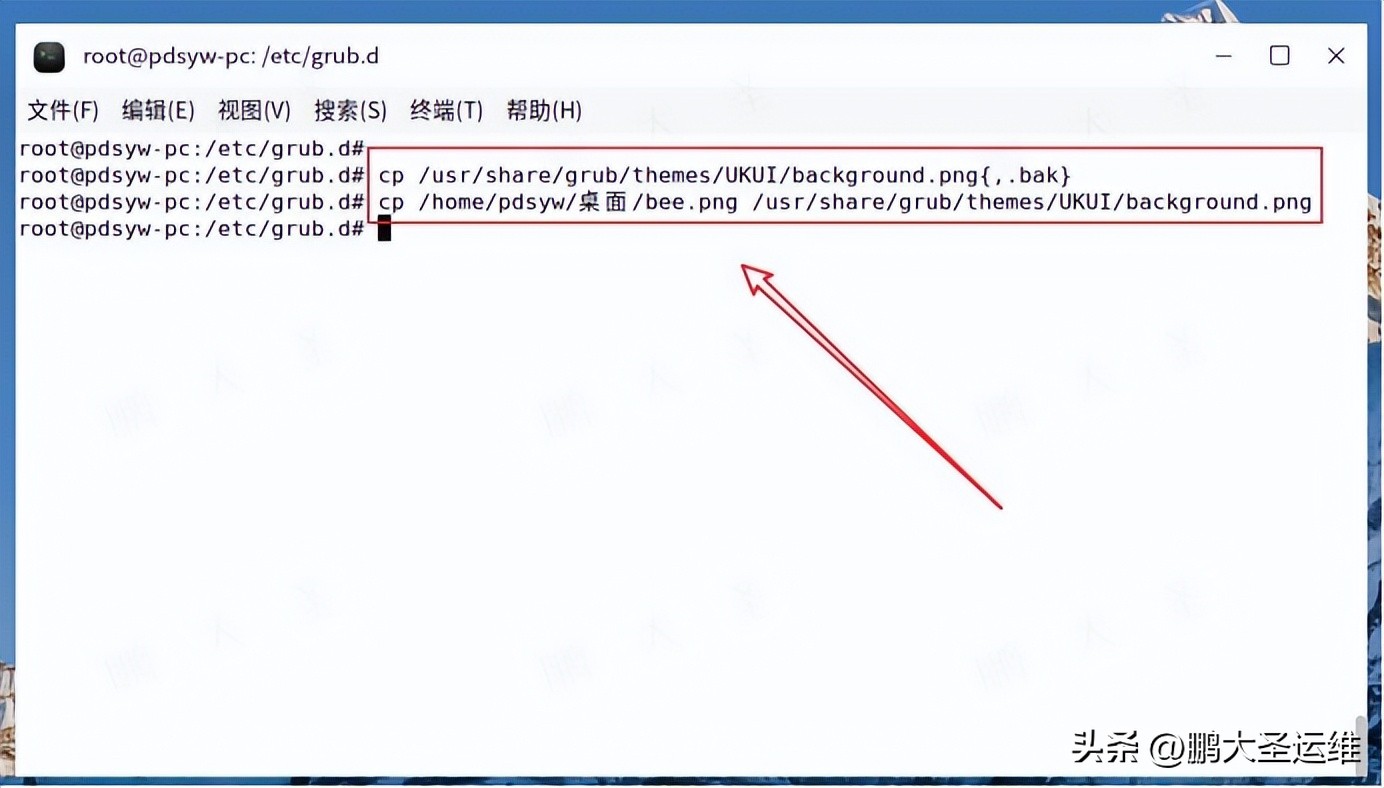
10.更新GRUB
root@pdsyw-pc:/etc/grub.d# update-grub
Sourcing file `/etc/default/grub'
Sourcing file `/etc/default/grub.d/init-select.cfg'
正在生成 grub 配置文件 ...
找到主题:/usr/share/grub/themes/UKUI/theme.txt
找到 Linux 镜像:/boot/vmlinuz-5.4.18-142-generic
找到 initrd 镜像:/boot/initrd.img-5.4.18-142-generic
找到 initrd 镜像:/boot/initrd.img-5.4.18-142-generic
完成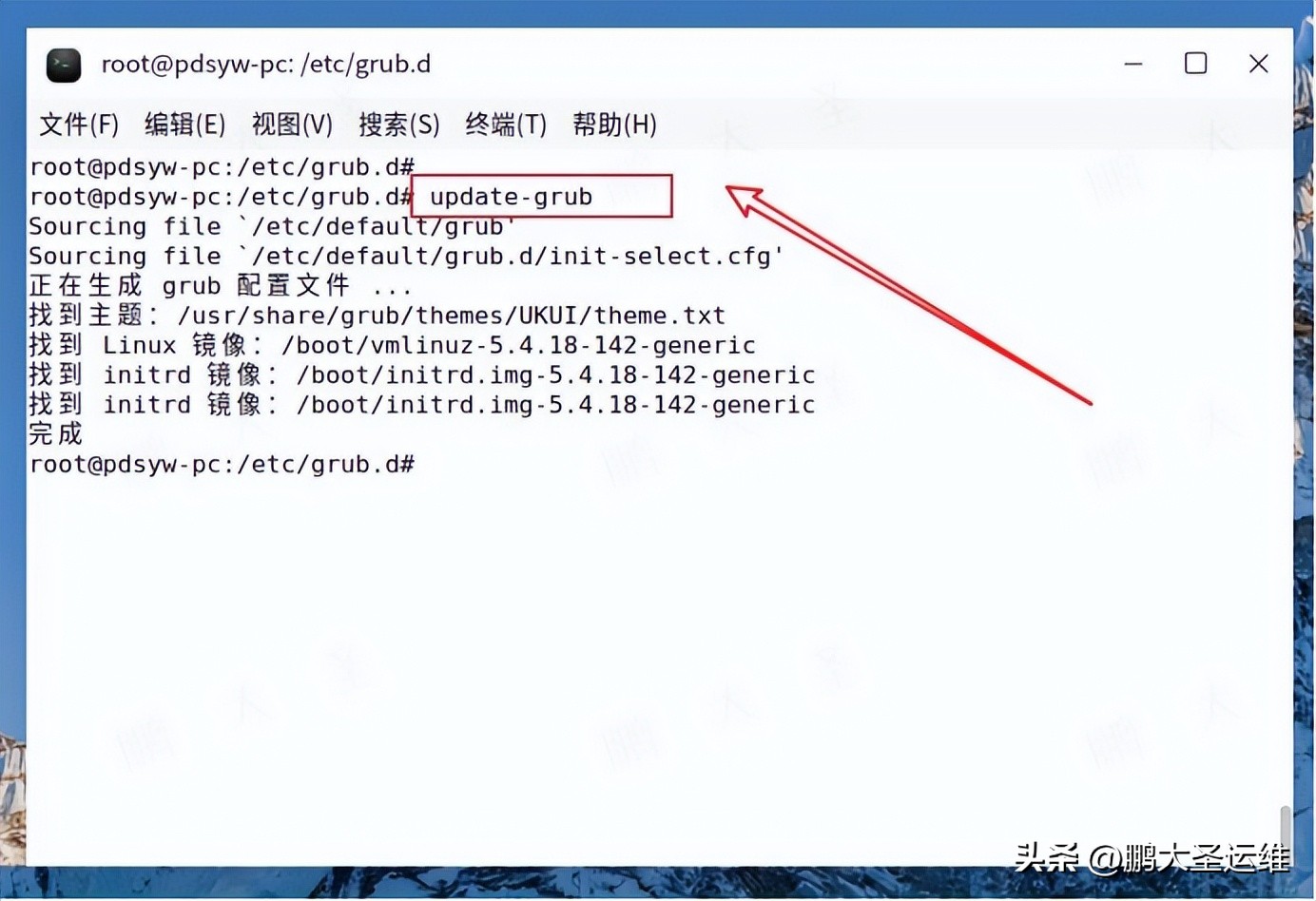
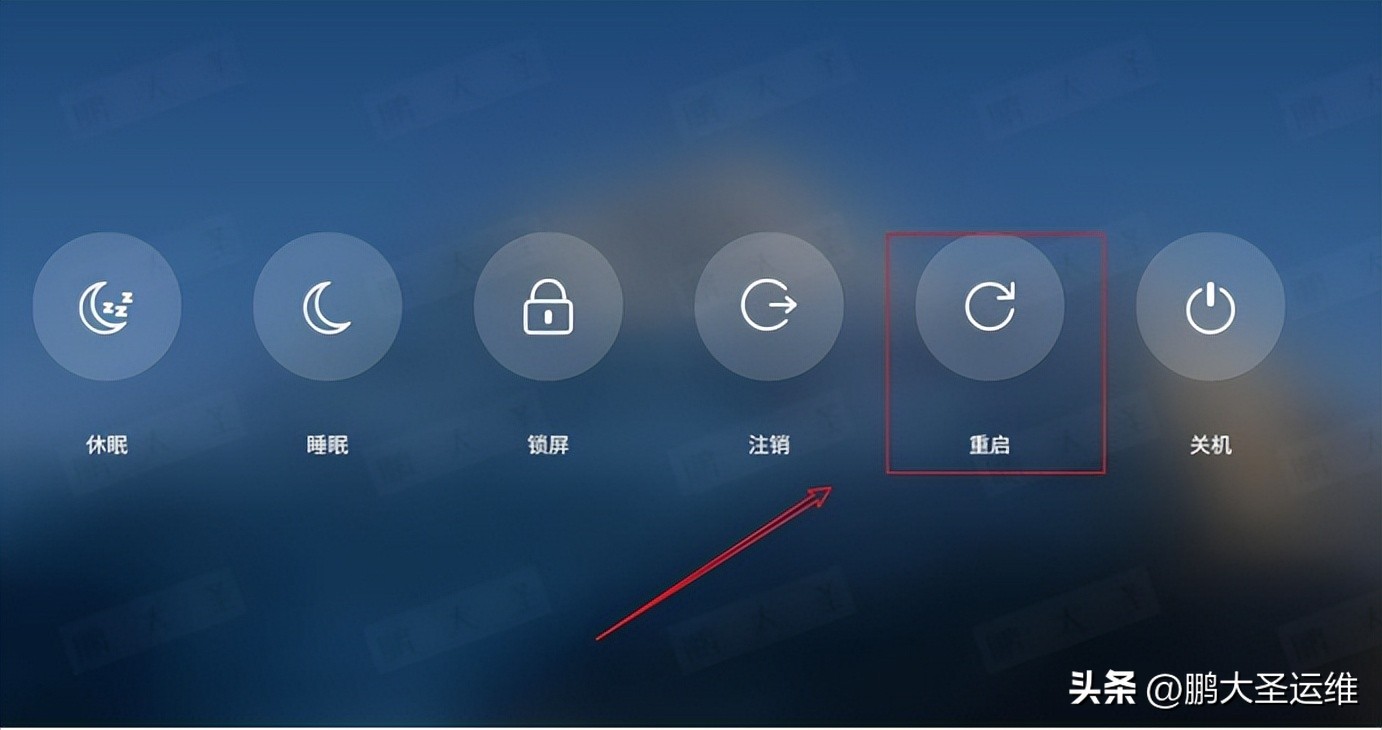
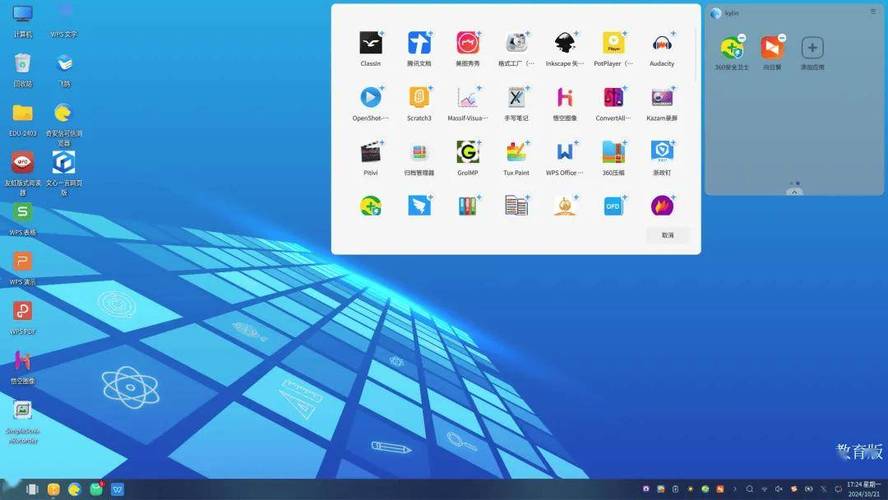
11.重启系统
12.GRUB背景依旧修改成功
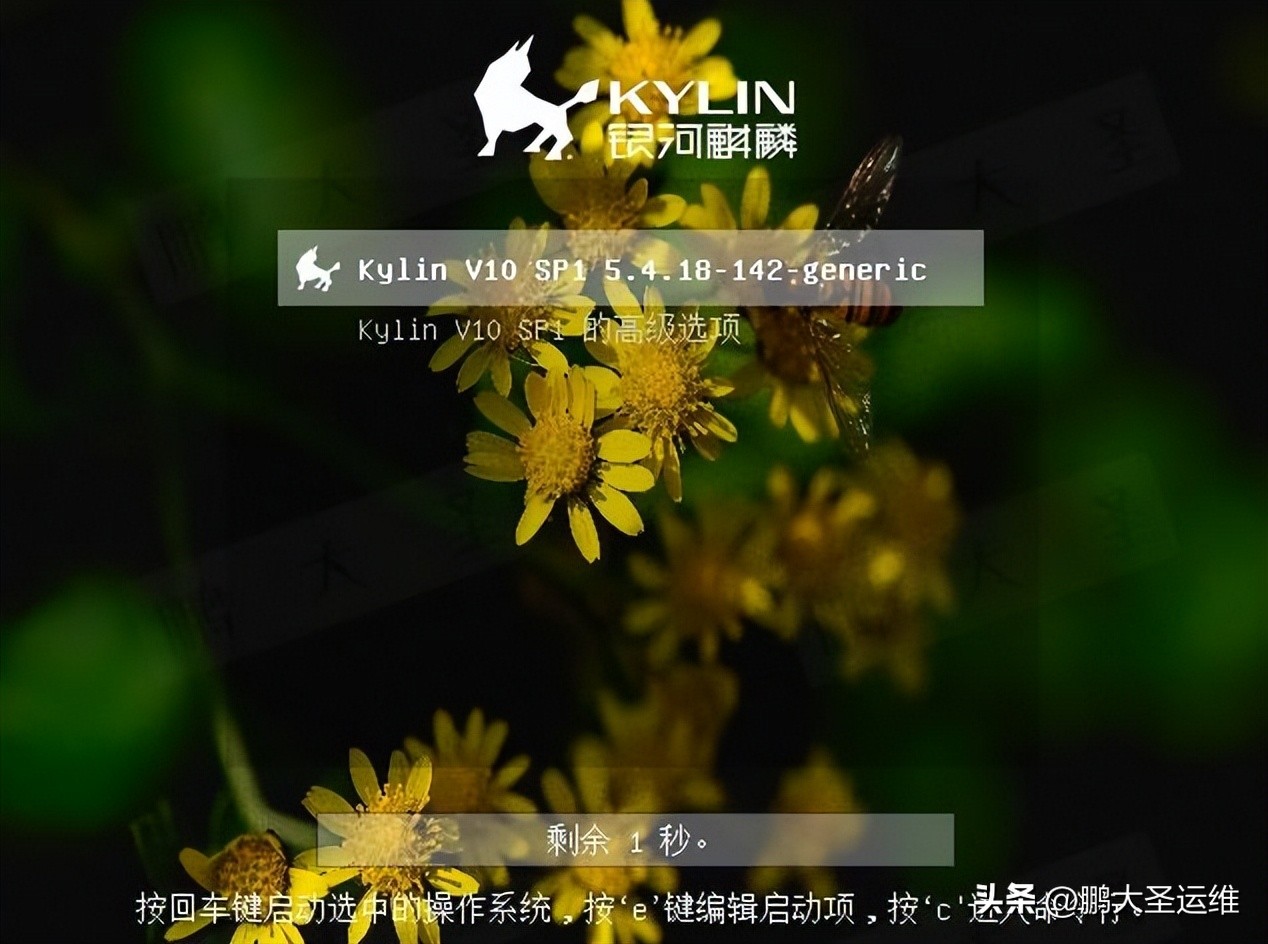
麒麟系统的 GRUB 并不是“不可定制”,只是很多能力藏在了默认配置之后。通过替换一张背景图中标麒麟linux,就能让系统在开机第一屏体现出专业感、定制感和辨识度。如果你觉得这篇文章有用,欢迎收藏、转发。
