#大国科技在百度#
Linux下FTP服务器搭建

一、FTP介绍
FTP(File Transfer Protocol,文件传输协议) 是 TCP/IP 协议组中的协议之一。FTP协议包括两个组成部分,其一为FTP服务器,其二为FTP客户端。默认情况下FTP协议使用TCP端口中的 20和21这两个端口,其中20用于传输数据linux ftp服务安装linux操作系统界面,21用于传输控制信息。但是,是否使用20作为传输数据的端口与FTP使用的传输模式有关虚拟主机 linux,如果采用主动模式,那么数据传输端口就是20;如果采用被动模式linux ftp服务安装,则具体最终使用哪个端口要服务器端和客户端协商决定。
二、环境介绍
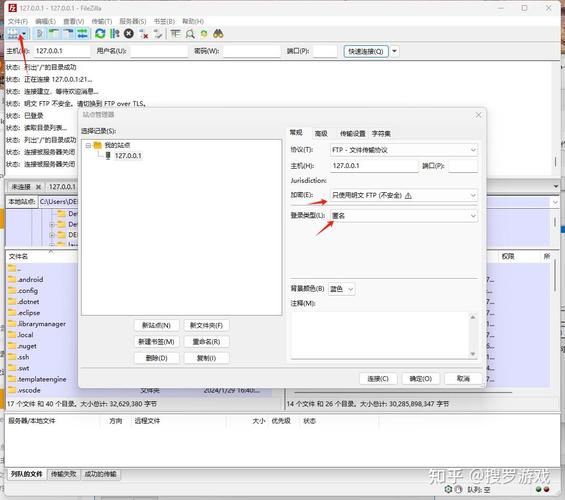
FTP服务端:hostname为control IP:192.168.200.150 FTP客户端:hostname为node1 IP: 192.168.200.135
三、FTP服务端搭建步骤
1.安装相关软件包
root@control ~
# yum -y install ftp.x86_64 Updating Subscription Management repositories. Unable to read consumer identity This system is not registered to Red Hat Subscription Management. You can use subscription-manager to register. Last metadata expiration check: 0:01:45 ago on Tue 11 May 2021 06:57:05 PM CST. Dependencies resolved. ==================================================================================================================================================================== PackageArchVersionRepositorySize ==================================================================================================================================================================== Installing: ftpx86_640.17-78.el8AppStream70 k Transaction Summary ==================================================================================================================================================================== Install 1 Package Total size: 70 k Installed size: 112 k Downloading Packages: Running transaction check Transaction check succeeded. Running transaction test Transaction test succeeded. Running transaction Preparing:1/1 Installing: ftp-0.17-78.el8.x86_641/1 Running scriptlet: ftp-0.17-78.el8.x86_641/1 Verifying: ftp-0.17-78.el8.x86_641/1 Installed products updated. Installed: ftp-0.17-78.el8.x86_64Complete!
2.启动FTP并检查状态
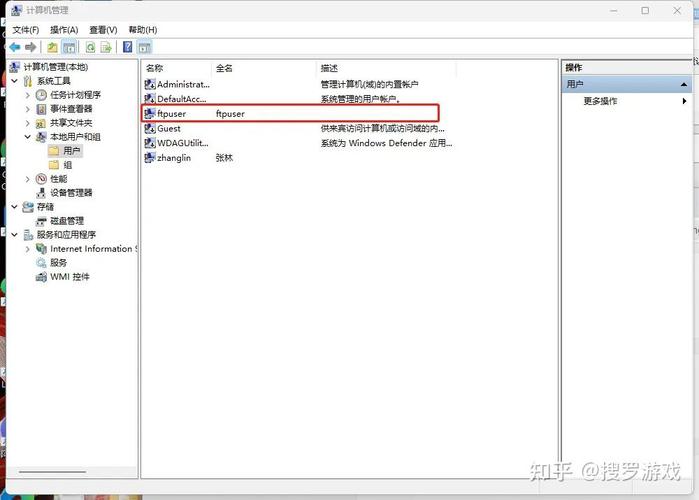
root@control ~
# systemctl enable --now vsftpd Created symlink /etc/systemd/system/multi-user.target.wants/vsftpd.service → /usr/lib/systemd/system/vsftpd.service.
root@control ~
# systemctl status vsftpd vsftpd.service -- Vsftpd ftp daemon Loaded: loaded (/usr/lib/systemd/system/vsftpd.service; enabled; vendor preset: disabled) Active: active (running) since Tue 2021-05-11 18:59:51 CST; 9s ago Process: 2825 ExecStart=/usr/sbin/vsftpd /etc/vsftpd/vsftpd.conf (code=exited, status=0/SUCCESS) Main PID: 2826 (vsftpd)Tasks: 1 (limit: 24900) Memory: 864.0K CGroup: /system.slice/vsftpd.service└─2826 /usr/sbin/vsftpd /etc/vsftpd/vsftpd.conf May 11 18:59:51 control systemd: Starting Vsftpd ftp daemon… May 11 18:59:51 control systemd: Started Vsftpd ftp daemon.
3.检查服务端口运行状态
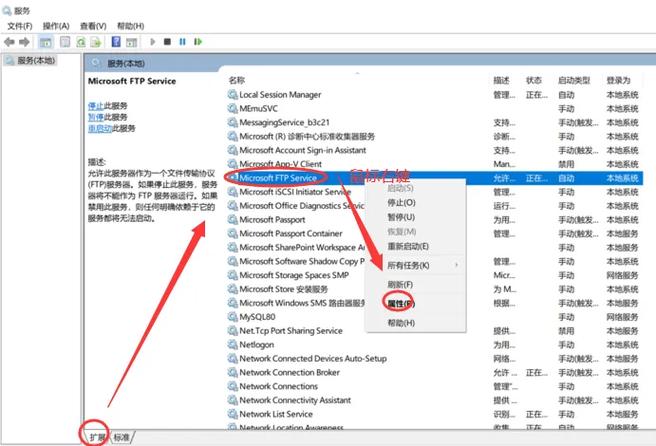
root@control mail
# netstat -antup | grep ftp tcp600 :::21:::*LISTEN2826/vsftpd
4.修改FTP配置文件
anonymous_enable=YES local_enable=YES write_enable=YES local_umask=022 anon_upload_enable=YES anon_mkdir_write_enable=YES dirmessage_enable=YES xferlog_enable=YES connect_from_port_20=YES xferlog_std_format=YES listen=YES listen_ipv6=NO pam_service_name=vsftpd userlist_enable=YES
5.关闭selinux及防火墙
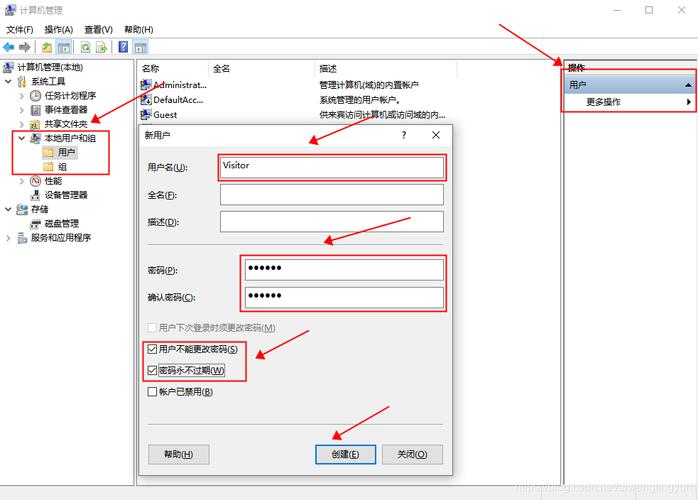
sed -i ‘s/SELINUX=enforcing/SELIUNUX=disabled/’ /etc/selinux/config systemctl stop firewalld.service
备注: 防火墙如果要开启,则可开启以下端口:
firewall-cmd --zone=public --add-port=20/tcp --permanent firewall-cmd --zone=public --add-port=21/tcp --permanent firewall-cmd --zone=public --add-port=22/tcp --permanent firewall-cmd --zone=public --add-port=30000-35000/tcp --permanent
三、客户端操作
1.安装软件包
root@node1 ~
# yum -y install lftp Updating Subscription Management repositories. Unable to read consumer identity This system is not registered to Red Hat Subscription Management. You can use subscription-manager to register. Repository AppStream is listed more than once in the configuration Repository BaseOS is listed more than once in the configuration ansiable0.0 B/s | 0 B00:00Failed to synchronize cache for repo ‘ansiable’, ignoring this repo. Last metadata expiration check: 0:00:17 ago on Tue 11 May 2021 07:04:23 PM CST. Dependencies resolved. ==================================================================================================================================================================== PackageArchVersionRepositorySize ==================================================================================================================================================================== Installing: lftpx86_644.8.4-1.el8AppStream885 k Transaction Summary ==================================================================================================================================================================== Install 1 Package Total size: 885 k Installed size: 3.0 M Downloading Packages: Running transaction check Transaction check succeeded. Running transaction test Transaction test succeeded. Running transaction Preparing:1/1 Installing: lftp-4.8.4-1.el8.x86_641/1 Running scriptlet: lftp-4.8.4-1.el8.x86_641/1 Verifying: lftp-4.8.4-1.el8.x86_641/1 Installed products updated. Installed: lftp-4.8.4-1.el8.x86_64Complete!
2.查看客户端状态
root@node1 ~
# ps -ef |grep ftp root1746 1745 0 18:56 ?00:00:00 /usr/libexec/openssh/sftp-server
四.客户端测试登录情况
